Lately I've been experimenting with different drawing techniques within Adobe Illustrator to create traditional looking vector art. This piece "Gone Fishing" is the first of a series of digital paintings I am currently working on. My process on how I created the illustration is roughly detailed out below.
Any questions on how I created any part of this illustration, please let me know.
Adobe Illustrator tools used where the
blob paint brush tool, and the
paint brush tool with the
charcoal brush effect.
Step 1: Sketch.
Step 2: I then placed the sketch into Adobe Illustrator and started to detail out the background art with the blob paint brush tool, and the paint brush tool with the charcoal brush effect.
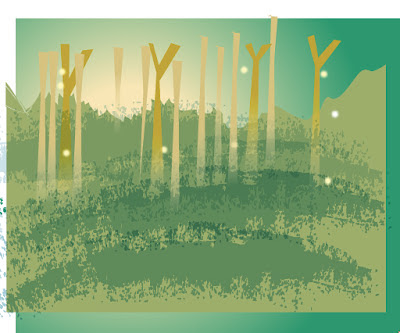
Step 3: To give the illustration a hand painted feel, I then masked off the background art and added a few textures.
Step 4: Once I finished the background art. I then used the same two tools to start on the foreground art.
Completed foreground art.
Step 5: Once I finished the foreground and background art. Using my initial sketch (step 1), I then illustrated the fish and boy characters.
Final: Once the illustration is finished, I then add some hand lettered text using the same two tools.


